
February 25, 2026
How to Schedule and Track Home Repairs Digitally
Why Digital Repair Tracking Helps Homeowners
Digital tracking creates a clear record of issues, timelines and completed repairs. Everything stays in one system, which reduces the chance of missing tasks or repeating repairs because the information was not recorded. This approach improves clarity, keeps repair history accessible and helps homeowners stay ahead of ongoing maintenance.
Benefits include faster response times from service providers, more accurate repair details and stronger communication because each update is stored within the system. Homeowners no longer need to rely on notes, memory or scattered text messages.
Step One: Log the Repair Issue
The process begins by entering the repair into the app. Homeowners describe the problem, note where it is happening and outline any immediate concerns. Logging the repair adds it to a documented workflow so it does not get overlooked.
Example: A homeowner notices a slow leak under the bathroom sink. They log the issue, upload a photo of the drip and mark it as a medium priority repair.
Step Two: Add Photos, Notes and Priority Levels
Photos help contractors understand the issue before arriving. Homeowners can add notes about when the issue started or what conditions make it worse. Setting a priority level helps separate urgent repairs from routine tasks.
Example: For an HVAC issue, a homeowner may upload a photo of the thermostat reading, add a note about inconsistent airflow and set a high priority because temperatures are cold.
Step Three: Choose a Schedule or Assign a Contractor
Once the issue is logged, homeowners can choose a repair date or assign the job to a contractor. Property Kare stores scheduling information so upcoming visits are easy to review and adjust.
Example: A homeowner scheduling a roof inspection selects a preferred date and assigns the task to a contractor. The scheduled visit then appears in the dashboard.
Step Four: Receive Notifications and Track Progress
Digital repair tracking includes notifications that confirm appointments or status changes. As contractors work through the repair, the progress becomes visible in the dashboard. Homeowners can see when a repair is active, when it has been updated and when it is complete.
Step Five: Mark the Repair as Completed
Once the contractor finishes the work, the task is marked as complete. The repair details, photos and notes remain stored for future reference. This helps homeowners review what was done and confirm long term maintenance history.
Keeping a Digital Repair History
A digital repair history stores all information for the long term. Each completed repair includes notes, photos, invoices and timelines. This helps with budgeting, future planning and confirming the condition of different areas of the home.
It also helps homeowners avoid repeated repairs because they can see exactly what was previously fixed and when.
How Property Kare Supports Digital Repair Tracking
Homeowners who want a cleaner, more organized system for managing repairs can explore the Property Kare system to see how digital tools simplify repair tracking. Property Kare provides a dashboard that organizes details, tracks progress, stores photos and logs updates in one system.
A detailed breakdown of these tools can be viewed in the feature breakdown section, which outlines how homeowners can coordinate repairs, manage contractors and maintain accurate repair records.
When Homeowners Should Use Digital Tracking
Digital tracking is helpful when repairs happen regularly, when homeowners manage multiple tasks throughout the year or when they want a streamlined way to document repair details. Anyone looking for a more organized approach to home maintenance can contact the team to see how Property Kare supports their maintenance planning needs.
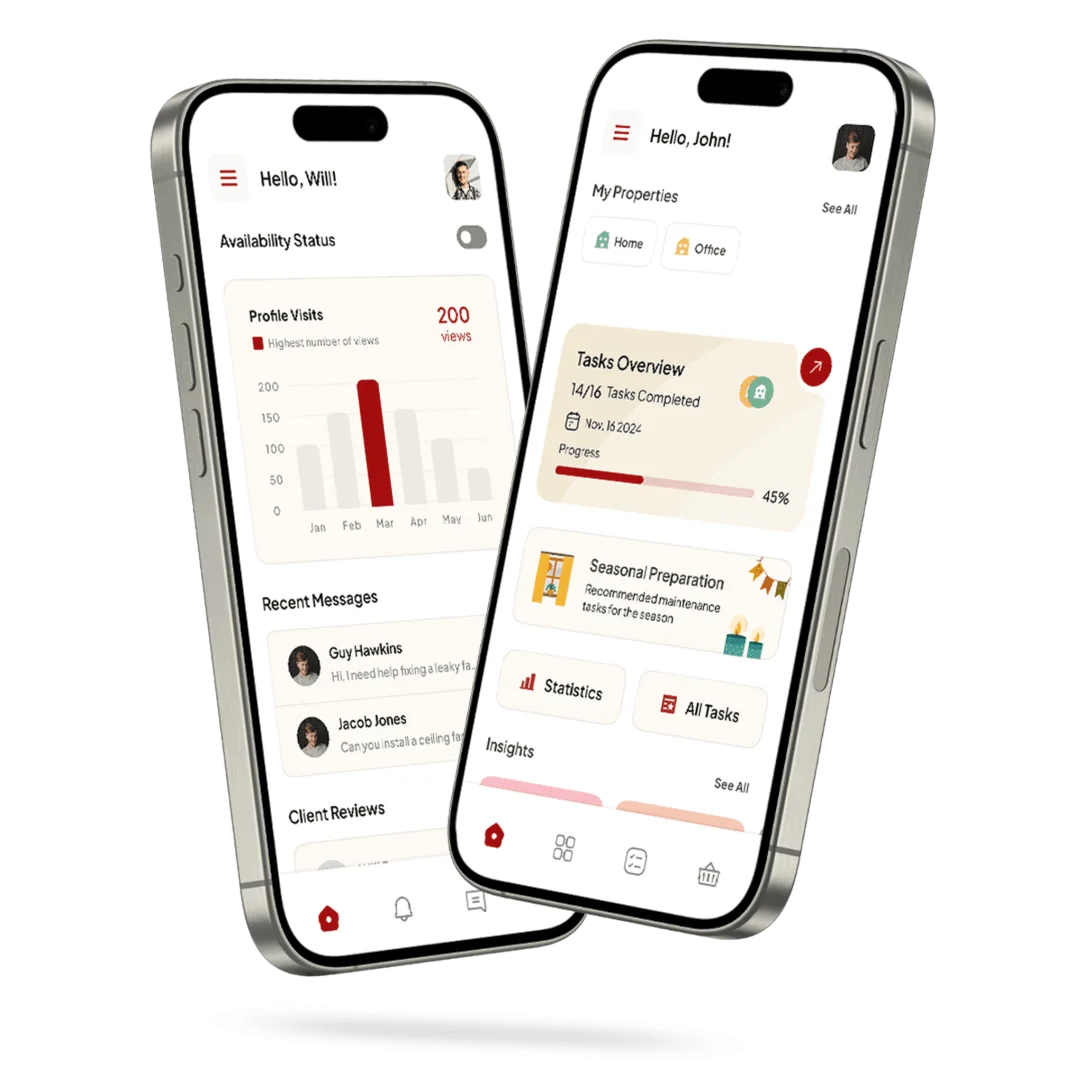

Download the Property Kare App
Take control of your property maintenance today. Download Property Kare on Apple or Android and experience a smarter, simpler way to manage your home with confidence.


